Image to Video
Results
SampleFree Image to Video AI Generator (No Watermark)
Turn photos into videos in seconds with the best image to video AI. WanAI.cloud's free image to video generator animates still images into smooth AI video from image — no watermark and no editing skills required.
What Is WanAI.cloud's Image to Video AI Generator?
An image to video AI generator animates a still photo into a moving clip automatically. WanAI.cloud's free image to video AI tool adds natural motion, camera movement and life to your pictures. It is the fastest way to turn an image into video for free — no filming or editing software required.
How Do You Use WanAI.cloud's Image to Video AI?
Step 1: Upload your image
Upload a first frame image, or add a first and last frame for more control over the motion of your image to video clip.
Step 2: Describe the motion
Write a short prompt telling the AI video generator from image how the scene should move — pan, zoom or subject animation.
Step 3: Generate and download
Click Generate and the image to video AI animates your photo. Preview and download the image to video result for free.
What Can You Create with WanAI.cloud's Image to Video AI?
From product shots to cinematic landscapes, this free image to video generator turns any still photo into motion.
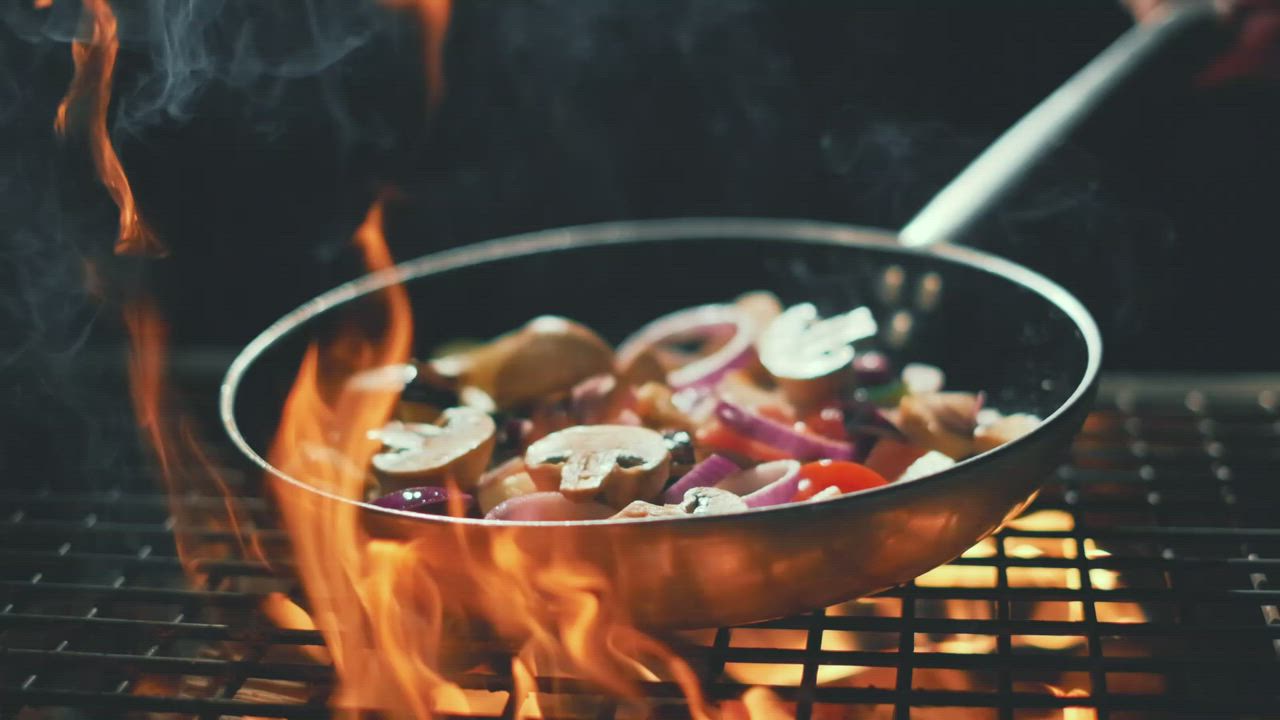
Image to Video for Product Photos
Turn static product shots into rotating, panning or zooming image to video clips that grab attention in e-commerce and ads.
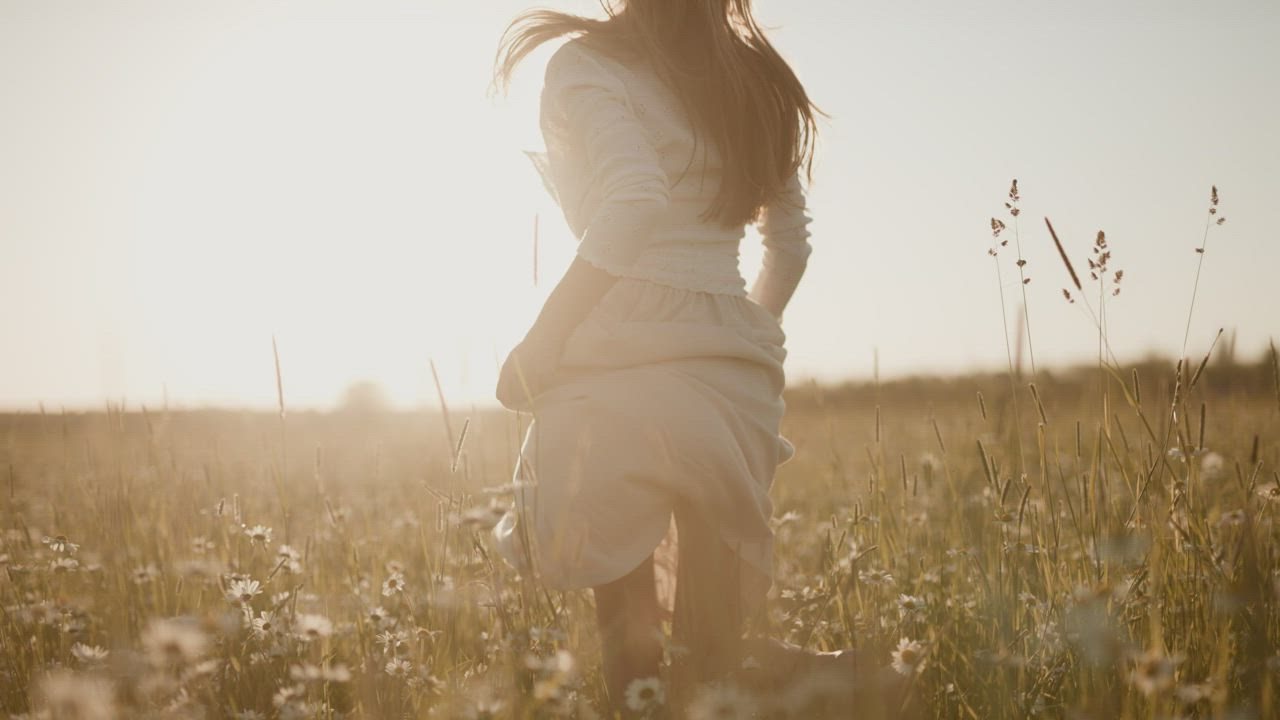
Image to Video AI for Portraits
Animate portrait and lifestyle photos with subtle motion and depth — a polished image to video AI effect for social media and branding.
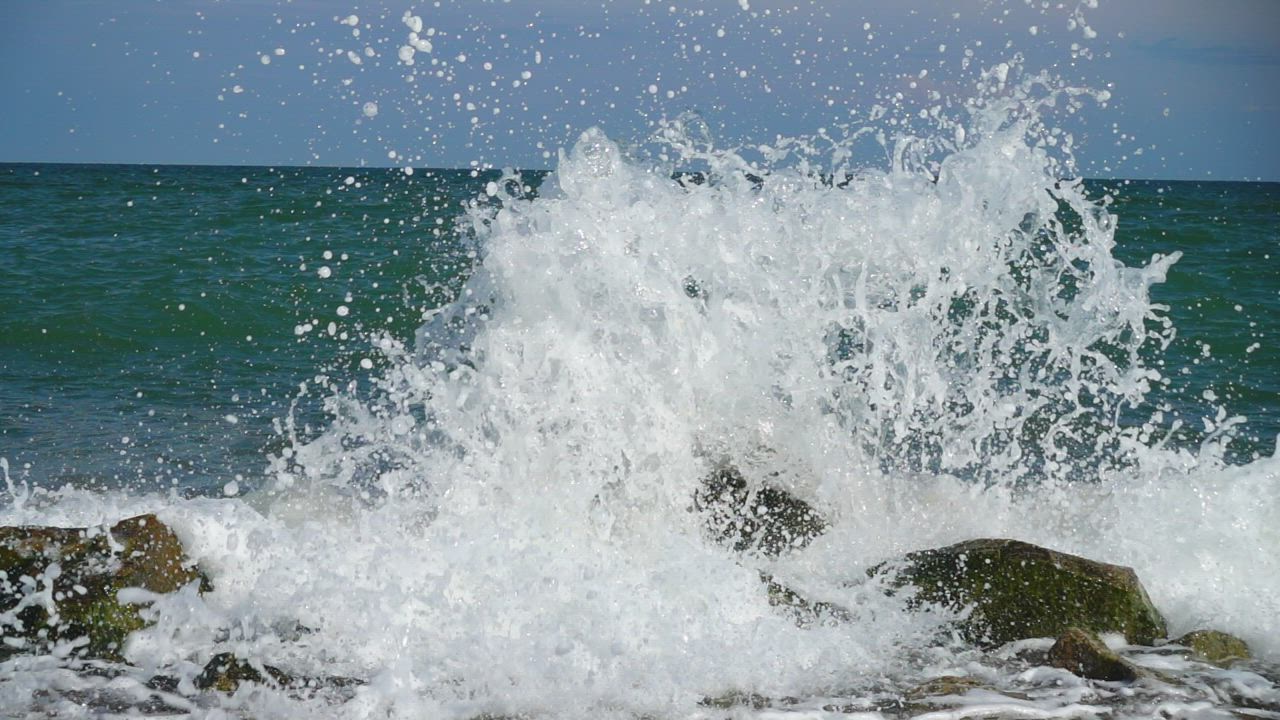
Image to Video for Landscapes
Add slow pans and zooms to nature and travel photos, turning still landscapes into ambient AI video from image scenes.
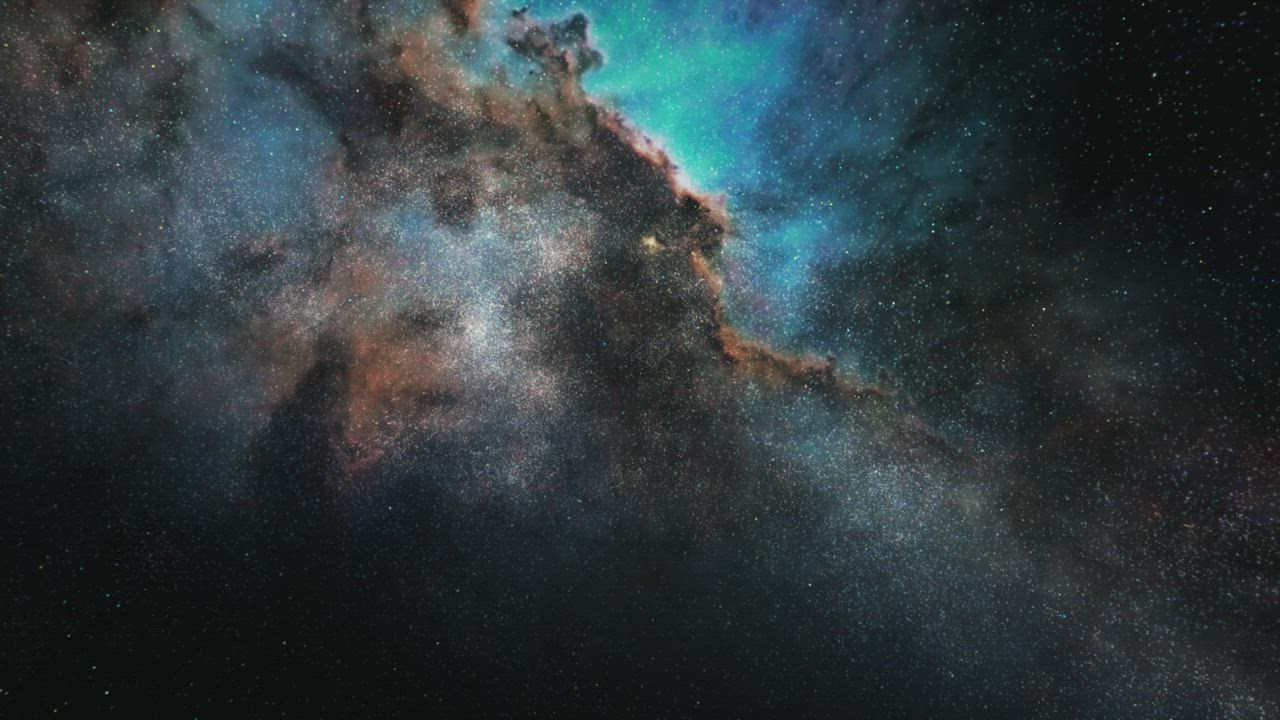
First-to-Last Frame Image to Video
Define a start and end frame and let the AI image to video generator create a smooth transition between them.
Who Is WanAI.cloud's Image to Video AI For?
E-commerce sellers
Sellers animate product photos into short image to video clips for listings and ads, boosting engagement with the free AI video generator from image.
Photographers
Photographers repurpose still images into motion, offering clients dynamic images to video AI slideshows and teasers.
Social media marketers
Marketers turn brand photos into eye-catching animated posts, using image to video AI to stand out in busy feeds.
Why Choose WanAI.cloud's Image to Video AI?
Natural, coherent motion
The image to video AI understands the scene and animates it realistically, giving output that looks shot rather than generated.
Free with no watermark
Use this image to video AI free without watermark. Download clean clips — no hidden fees or logos on your videos.
First and last frame control
Lock the start and end of your clip with first-to-last frame image to video, so the motion goes exactly where you want.
What Do Users Say About WanAI.cloud's Image to Video AI?
From 1127 Reviews
The best image to video AI I've tried
I upload a product shot and get a clean pan and zoom in seconds. This free image to video generator beats paid tools and leaves no watermark.
Beautiful subtle motion
The AI image to video generator adds just enough motion to portraits without looking fake. It is my favorite way to turn image into video for free for clients.
Smooth first-to-last transitions
The first and last frame feature gives me full control. I created a seamless images to video AI morph that looked professionally edited.
Fast turnaround for social
I turn brand photos into animated posts in minutes. The AI video generator from image output is clean and ready to publish on every platform.
Great for travel memories
I animate my landscape photos with slow pans. This image to video AI generator makes my still images feel like cinematic footage.
Easy and reliable
I had zero editing experience and made my first image to video clip in one try. The free AI video generator from image keeps the whole flow simple.
What Are the Frequently Asked Questions About WanAI.cloud's Image to Video AI?
Is this image to video AI free to use?
Yes. WanAI.cloud offers an image to video AI for free — upload a photo, animate it and download with no watermark and no credit card required.
How does image to video AI work?
The image to video AI reads your image, understands the scene and adds natural motion and camera movement that match your prompt.
Can I use a first and last frame?
Yes, WanAI.cloud supports first frame and first-to-last frame image to video, so you can control the start and end of the motion.
What image formats are supported?
The AI image to video generator accepts JPEG, PNG and WebP images for upload.
Is the output really without watermark?
Yes, this is an image to video AI free without watermark. Your downloaded clips are clean and ready to publish.
What resolutions are available?
You can generate image to video clips in 768P or 2K depending on your plan.
How do I control the motion?
Write a prompt describing the movement — pan, zoom or subject motion — and the AI video generator from image follows it.
How long can an image to video clip be?
Image to video clips can be generated from 4 to 15 seconds.
Can I animate portraits and people?
Yes, the image to video AI generator adds subtle natural motion to portraits and lifestyle photos while keeping subjects realistic.
Is this the best image to video AI?
WanAI.cloud is a best image to video AI, delivering cinematic, high-quality results.