Reference to Video
Results
SampleFree Reference to Video AI Generator (No Watermark)
Turn images, video and audio references into consistent videos with WanAI.cloud's free reference to video AI generator. The reference to video AI workflow keeps subjects, sound and mood locked — no watermark and no editing skills required.
What Is WanAI.cloud's Reference to Video?
Reference to video generation uses your uploaded images, video and audio as guides, so the AI produces output that matches them. WanAI.cloud's free reference to video AI tool feeds your multimodal reference into a structured context-aware workflow, keeping subjects consistent and matching the mood, camera style and soundscape you provide. It is the most controlled way to create video from existing material.
How Do You Use WanAI.cloud's Reference to Video?
Step 1: Upload your references
Add reference images, video and audio to define the subject, movement and sound for your image reference to video, audio reference to video or multimodal reference to video clip.
Step 2: Write your prompt
Describe the result you want and reference your uploads with @image, @video and @audio, following the reference to video prompting guide built into the tool.
Step 3: Generate and download
Click Generate and the reference to video AI builds a clip that stays consistent with your material. Download it for free.
What Can You Create with WanAI.cloud's Reference to Video?
WanAI.cloud's reference to video tool lets you direct subjects, motion and audio, unlocking advanced AI video generator workflows.

Image Reference to Video
Lock a character or product's look with a reference image — a key image reference to video workflow for creators and brands.

Reference Video to Video
Upload reference video to copy a camera move or pacing with a free AI reference video to video approach, then apply it to new content.
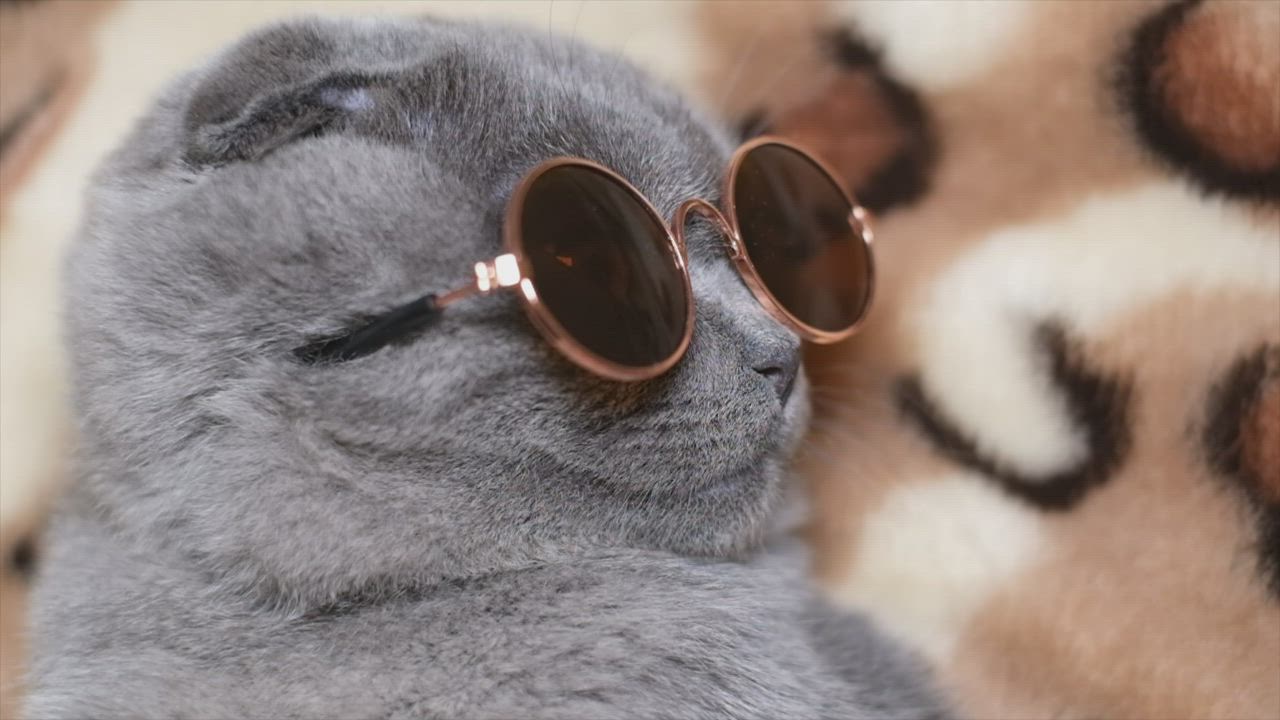
Audio Reference to Video
Provide reference audio to guide the soundscape, so audio reference to video output matches the tone and rhythm you want.
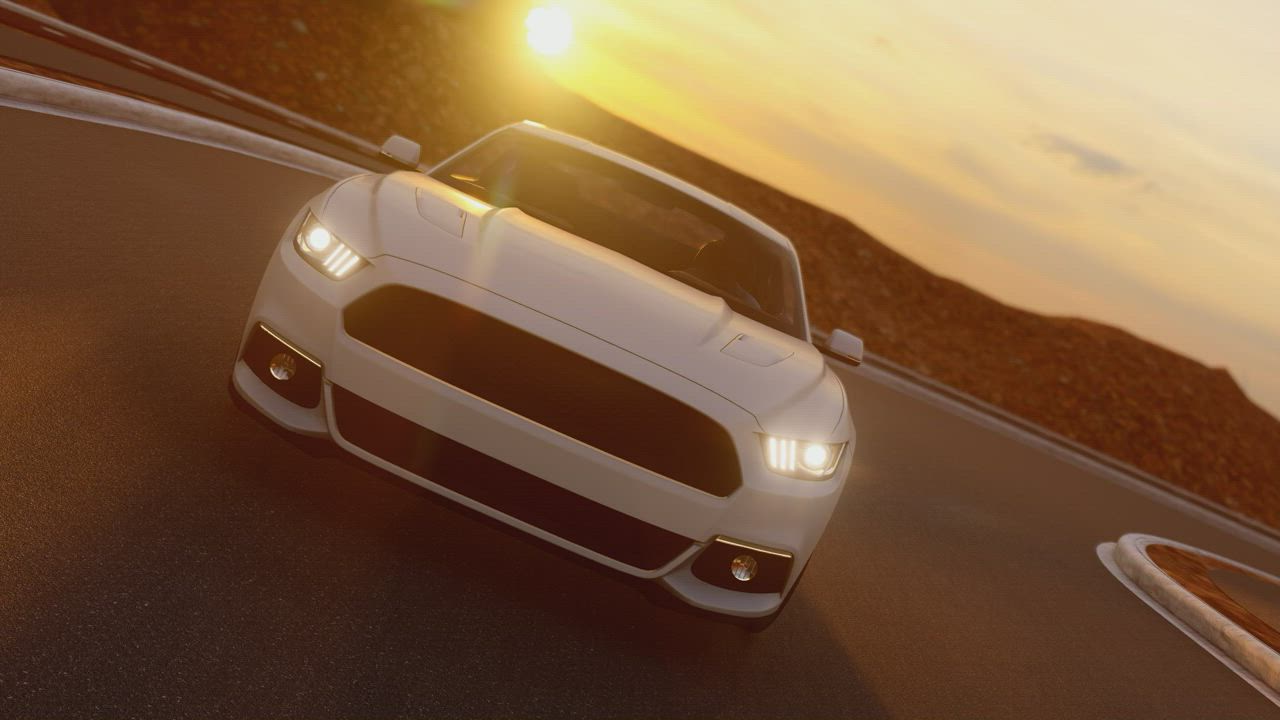
Multimodal Reference to Video
Combine image, video and audio references for full control over subject, motion and sound in one multimodal reference to video workflow.
Who Is WanAI.cloud's Reference to Video For?
Brands and agencies
Agencies keep brand characters and styles consistent across campaigns using reference to video AI, powered by a structured multimodal workflow.
Filmmakers and editors
Filmmakers use reference video and audio to preview scenes and match pacing, saving time on the reference to video pipeline.

Product teams
Product teams reuse existing media as references, turning them into fresh clips with the AI video generator.
Why Choose WanAI.cloud's Reference to Video?
Structured context-aware generation
A context-aware structuring step rewrites your prompt and references into a plan, keeping subjects consistent in every reference to video output.
True multimodal input
Combine images, video and audio in one request, so multimodal reference to video output matches every aspect of your material.
Cloud-based, no VRAM needed
No local GPU or low VRAM workflow to set up — the reference to video AI runs in the cloud, delivering cinematic reference to video quality in your browser.
What Do Users Say About WanAI.cloud's Reference to Video?
From 1127 Reviews
Character stays consistent across shots
I feed a character image and the reference to video tool keeps the look locked in every clip. This reference to video AI is a game changer for our brand videos.
Multimodal input just works
Combining an image, a video reference and an audio track in one request felt impossible before. WanAI.cloud's AI reference to video handled it perfectly.
Structured generation really helps
The context-aware structuring makes my prompts and references work together. The reference to video output is far more predictable than other tools.
Matches my reference footage
I upload reference video for camera moves and the AI video generator applies the same pacing to new scenes. Huge time saver.
Great for audio-guided clips
Adding reference audio to guide the sound changed everything. The audio reference to video result matched the tone I wanted on the first try.
Powerful and consistent
For our product demos, reference to video keeps the same subject and style while swapping the scene. Reference to video quality is reliable every time.
What Are the Frequently Asked Questions About WanAI.cloud's Reference to Video?
What is reference to video generation?
Reference to video generation uses your uploaded images, video and audio as guides, so the AI video generator produces output that matches them.
What references can I upload?
You can upload reference images, video and audio. Combine them in one request for full multimodal reference to video control.
How does context-aware structuring work?
A context-aware structuring step rewrites your prompt and references into a plan, improving reference to video consistency.
How do I reference my uploads in the prompt?
Use @image, @video and @audio mentions in your prompt to tell the AI video generator which reference to use where.
Can I use only audio as a reference?
Reference audio must be combined with at least one image or video, since the AI video generator still needs visual input.
Is this reference to video AI free?
Yes. WanAI.cloud offers a free video generator AI with image reference, video reference and audio reference — no watermark and no credit card required.
Do I need a powerful GPU or a low VRAM workflow?
No. No low VRAM workflow is needed — the reference to video AI runs in the cloud, so you just open your browser.
What resolutions are supported?
Reference to video clips can be generated in 768P or 2K, depending on your plan.
How long can clips be?
Reference to video clips range from 4 to 15 seconds.
What quality can I expect from reference to video?
WanAI.cloud delivers cinematic, consistent reference to video quality with subjects, motion and sound locked to your references.