Text to Video
Results
SampleFree Text to Video AI Generator (No Watermark)
Turn text into video in seconds with the best text to video AI. WanAI.cloud is a free text to video generator that turns your prompt into cinematic AI video from text — no watermark and no editing skills required.
What Is a Text to Video AI Generator?
A text to video AI generator turns written prompts into finished videos automatically. WanAI.cloud's free AI video generator from text reads your scene description, camera movement and style, then renders a coherent clip. It is the fastest way to create text to videos AI content — no cameras, actors or editing software required.
How to Use WanAI.cloud's Free Text to Video Generator
Step 1: Write your prompt
Describe the subject, action, setting, camera angle and style. The more detail you give, the more accurate your text to video AI result will be.
Step 2: Choose resolution and duration
Pick 768P or 2K, select an aspect ratio and set a length from 4 to 15 seconds for your AI video generator from text clip.
Step 3: Generate and download
Click Generate and the text to video AI renders your video. Preview the output and download it — free text to video, with no watermark.
What Can You Create with the Text to Video AI Generator?
From short social clips to product teasers, this free text to video generator covers a wide range of AI video generator from text use cases.

Social media short videos
Generate vertical text to videos AI clips for TikTok, Reels and Shorts with auto-optimized aspect ratios and eye-catching motion.

Product teasers and ads
Describe a product scene and the text to video AI generator turns it into a polished promo clip for e-commerce and landing pages.
Cinematic concept previews
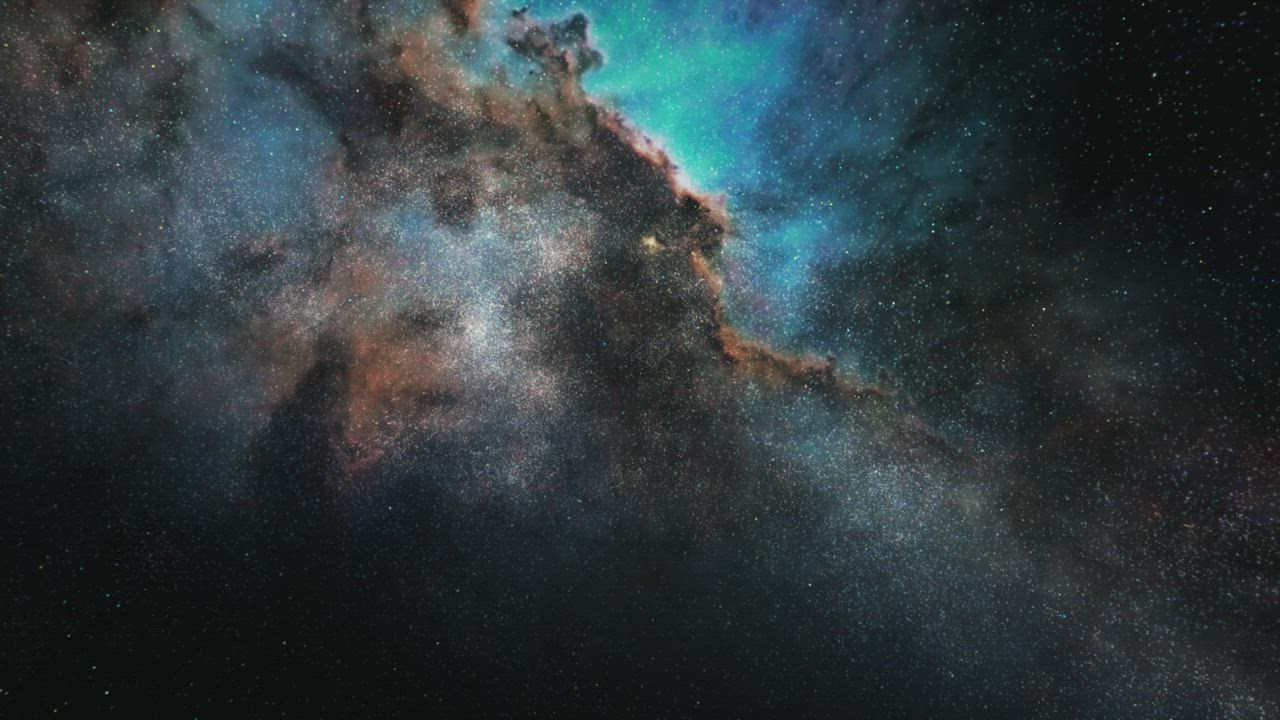
Preview scenes, moods and camera moves before a real shoot — a fast AI video generator from text for storyboarding ideas.

Lifestyle and nature visuals
Create aesthetic nature, travel and lifestyle text to video scenes for backgrounds, ads and creative projects.
Who Is WanAI.cloud's Text to Video AI For?
Content creators
Creators use this text to video AI generator free tool to publish daily text to videos AI clips without heavy editing, keeping feeds fresh.
Marketers and brands
Marketers turn copy into video ads and product teasers, using text to video AI to test creative angles far faster than a full shoot.
Designers and storytellers
Designers and storytellers prototype scenes and motion with the AI video generator from text, iterating before committing to production.
Why Choose WanAI.cloud as the Best Text to Video AI?
Cinematic text to video quality
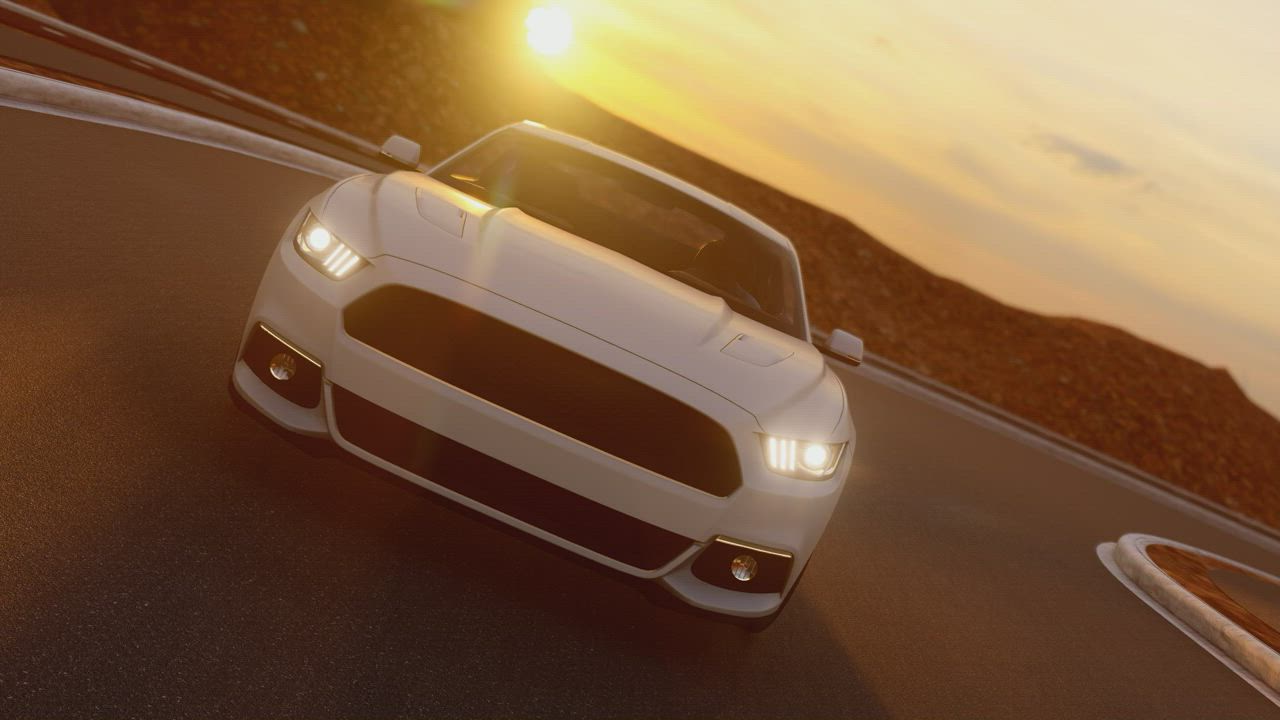
A best text to video AI with coherent motion, rich detail and reliable results for every clip.
Truly free with no watermark
Use this text to video AI free without watermark. Write a prompt and download a clean clip — no hidden fees or logos on your video.
Fast, browser-based workflow
No installs or exports. Turn text to video in seconds, all in your browser, with 768P/2K output, multiple aspect ratios and 4–15s durations.
What Users Say About WanAI.cloud's Text to Video AI
From 1127 Reviews
The best text to video AI I've tried
I typed one sentence and had a polished clip in under a minute. This free text to video generator beats paid tools and leaves no watermark.
Perfect for daily social content
I batch-generate text to videos AI clips for clients every morning. The AI video generator from text keeps motion smooth and ratios ready to post.
Great free product teasers
I describe a product scene and get a clean promo clip with no watermark. The text to video AI generator replaced hours of manual motion graphics.
Impressive cinematic output
The text to video results have real camera movement and mood. I preview shots before production and it saves a ton of planning time.
Simple and beginner friendly
I never made a video before. I wrote a prompt, picked a format, and this text to video AI generator free tool handled the rest.
My go-to AI video generator from text
WanAI.cloud is my first stop for turning a written idea into a moving scene. Reliable, fast and genuinely free text to video.
Frequently Asked Questions About Text to Video AI
Is this text to video AI free to use?
Yes. WanAI.cloud offers a text to video generator free of charge — write a prompt, generate a clip and download it with no watermark and no credit card required.
How does text to video AI work?
The text to video AI reads your prompt, understands the scene, subject and motion, then renders a video that matches your description.
Is the output really without watermark?
Yes, this is a text to video AI free without watermark. Your downloaded clips are clean and ready to publish.
What resolutions does the AI video generator from text support?
WanAI.cloud supports 768P and 2K output for text to video, so you can choose the quality that fits your project.
What aspect ratios can I use?
You can generate text to video in 21:9, 16:9, 4:3, 1:1, 3:4 and 9:16 to match YouTube, TikTok and Instagram.
How long can the generated videos be?
Text to video clips can be generated from 4 to 15 seconds, ideal for short ads, social posts and teasers.
Do I need video editing experience?
No. This AI text to video generator is free to use and handles rendering automatically — just describe your idea and download the result.
Can I use the videos commercially?
Yes, text to video output can be used for commercial projects. Check your plan for any usage limits before publishing.
What is the best text to video AI?
WanAI.cloud is a best text to video AI with cinematic, high-quality generation results.
What should I write in the prompt?
Describe the subject, action, setting, camera angle and style. Detailed prompts help the AI video generator from text produce more accurate results.